

The Collect Pure App: Buy and Sell Gold and Silver on iPhone
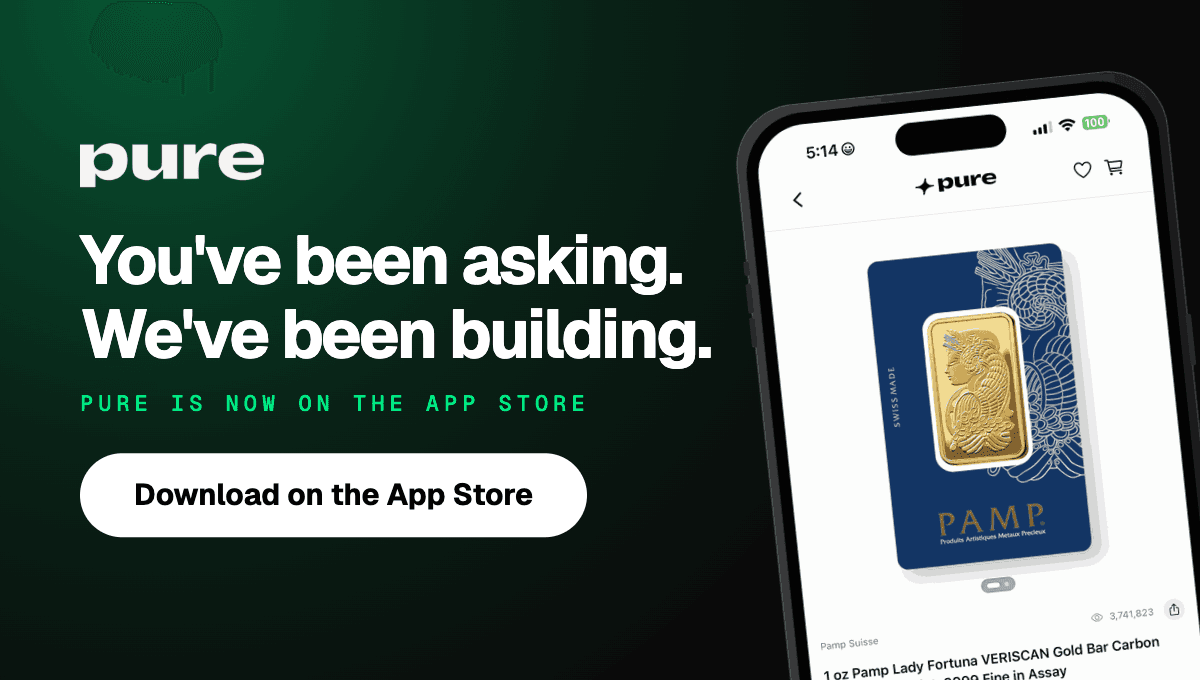

The Collect Pure app is on the App Store as Pure: Buy Gold & Silver. It's free, it runs on iPhone and iPad with iOS 16.4 or later, and it puts Pure, the peer-to-peer marketplace for gold, silver, platinum, palladium and rare coins, on your phone under the account you already have. It also adds what a phone is good at: you stay signed in, price alerts and order updates land on your lock screen, and spot prices sit on your home screen.
Get Pure: Buy Gold & Silver on the App Store
What changes when Pure is on your phone
"The app is built for this one purpose, and it doesn't have any of the extra stuff."
Oliver Reason, Software Developer at Pure
You stay signed in
You sign in once, with a one-time code sent to your email. After that, you stay in. Open it later and you land on the marketplace, not on a sign-in screen.
The first sign-in is also when you're asked to allow notifications, which is what turns on the alerts below.
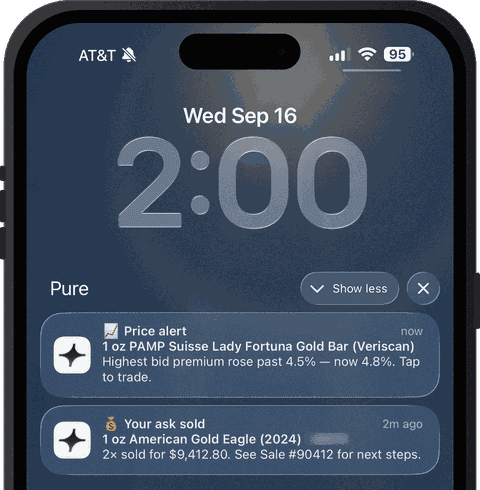
Alerts and order updates arrive on their own
You get a push notification when something you care about happens:
a price alert on a product
your bid or your ask gets accepted (the "your ask sold" message)
each status change on a buy or sell order
a product you favorited comes back in stock
announcements from the Pure team, which can include a Pure Priority drop going live
Spot prices on your home screen
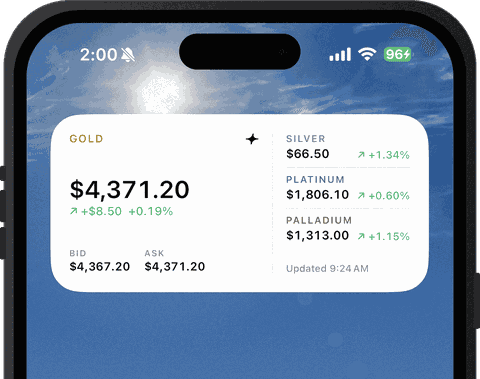
Add the Pure widget and your home screen shows spot for all four metals, each with its change, plus gold's spot bid and ask. You see spot without opening the app. For the fuller picture, the gold price chart is a tap away. Apple's guide to adding widgets on iPhone covers the setup if you haven't done it before.
Apple Pay on Pure Priority orders
Pure Priority orders accept card and Apple Pay on your phone. Every other order pays by wire or ACH, as it does on the website. If you haven't set up Apple Pay, here's how to set it up.
Everything else works the way it does on the website
Buying follows the path you already know: product page, cart, checkout. Each product still shows its order book, with the highest bid and the lowest ask. If order books are new to you, start with how to read an order book.
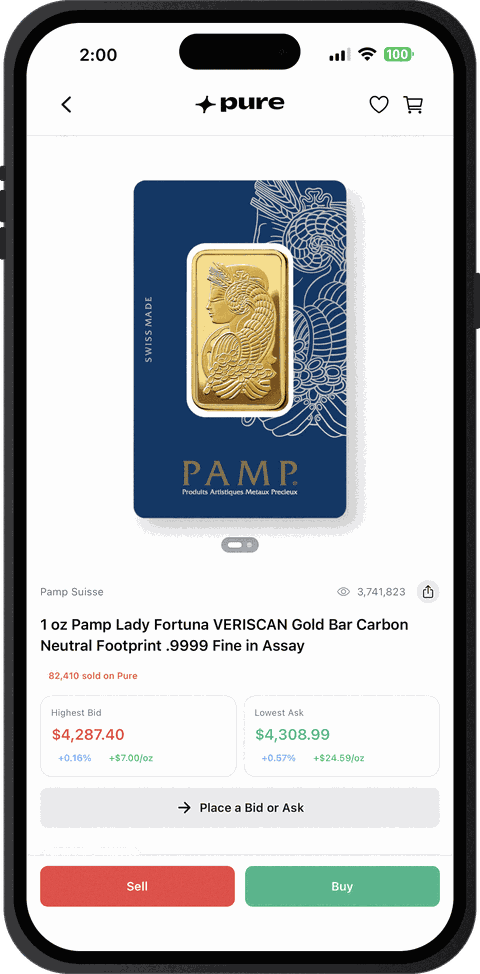
Selling works too. You can create a listing, start a sell order, and view or edit your payout details without switching to a computer.
New to Pure? Signup runs in the same order as it does on the website, entirely in the app: your documents, a selfie, and linking your bank.
"When you're doing KYC, sending in your documents and taking selfies, you don't have to move over to a separate device to continue."
Oliver Reason, Software Developer at Pure
Your orders and listings are the same in the app and on collectpure.com.
The checks behind every order don't change
None of this changes what happens after an order fills. We test every item ourselves before it ships, and items that pass are Pure Qualified. Shipments are insured both ways, up to $125,000.
Frequently asked questions about the Collect Pure app
Is the Pure app free?
Yes, it's free on the App Store.
Is there an Android version?
Not right now. The Pure app runs on iPhone and iPad with iOS 16.4 or later. If you're on Android, nothing is lost in the meantime: collectpure.com works in any mobile browser, you sign in with the same account, and every order and listing you have is there.
Will my website orders show up in the app?
They will. The Pure app and collectpure.com share one account, so the orders and listings you already have are there when you sign in.
Get the app
On your iPhone, tap Pure: Buy Gold & Silver to open Pure's gold and silver app on the App Store. Reading this on a computer? Open this page on your iPhone and tap the same link.
The help center covers the details: does Pure have a mobile app, how to download and sign in, and what notifications the Pure app sends.